

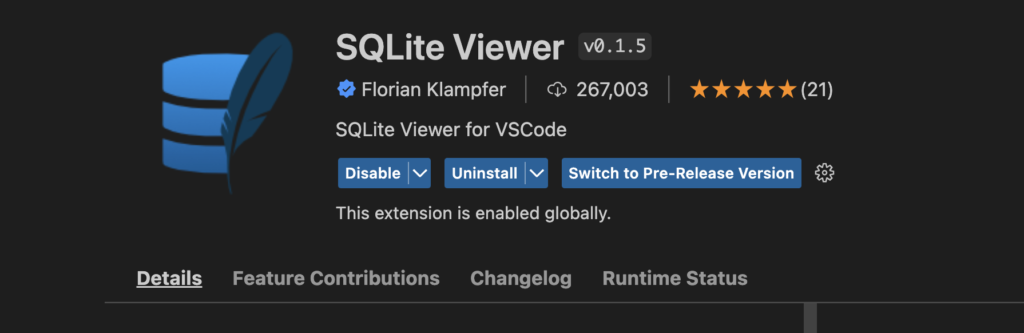
まずはデータベースの中身を確認するために、VSCodeの拡張機能をインストールします。
目次
データベースの作成と接続
import sqlite3


dbname = "app.db"
#Create database
db = sqlite3.connect("./app.db")

#Cerate cursor
c = db.cursor()
テーブルの作成
table_name = 'users'
#Create table
try:
    c.execute(
        f"""CREATE TABLE {table_name}(
            id INTEGER,
            value INTEGER,
            description STRING
            )"""
    )
except sqlite3.OperationalError:
    pass
データの追加(insert文)
#Insert data

c.execute(
    f'INSERT INTO users("id","value","description") VALUES(1,123,"abcs")'
)
変更の確定
db.commit()
c.close()
db.close()
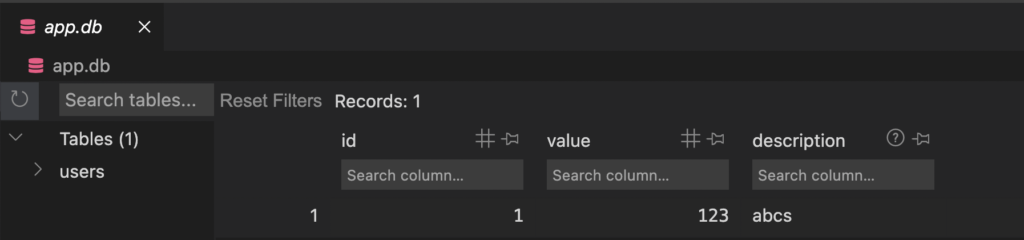
実行結果
データの一括追加
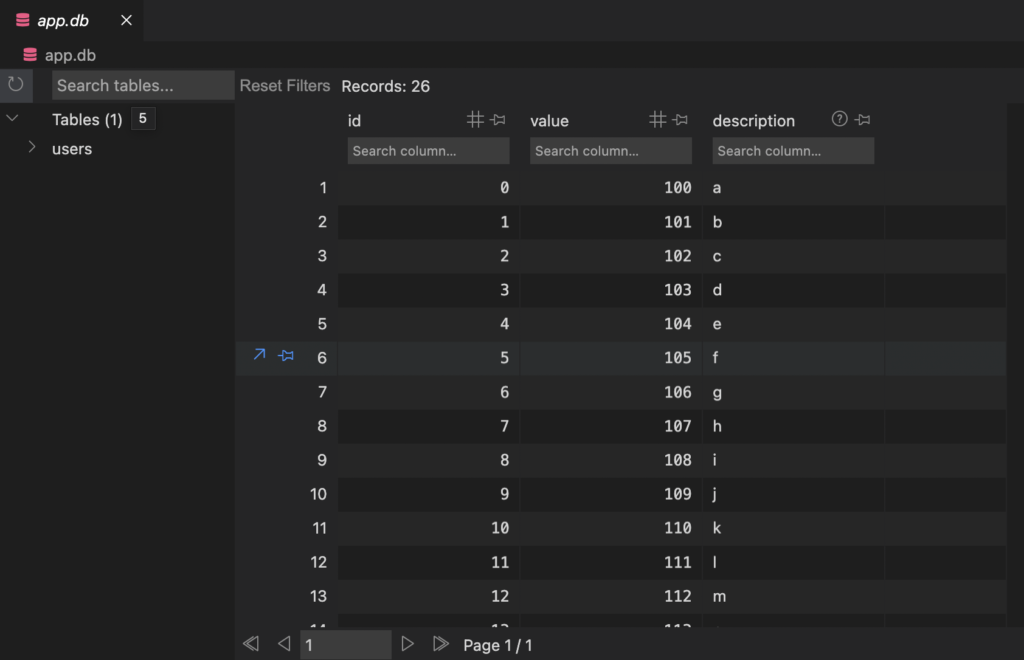
insert文をループで回してみます。
import sqlite3


dbname = "app.db"
#Create database
db = sqlite3.connect("./app.db")

#Cerate cursor
c = db.cursor()

table_name = 'users'
#Create table
try:
    c.execute(
        f"""CREATE TABLE {table_name}(
            id INTEGER,
            value INTEGER,
            description STRING
            )"""
    )
except sqlite3.OperationalError:
    pass

#Insert data
for i,a in enumerate([chr(i) for i in range(97,123)]):
    c.execute(
        f'INSERT INTO users("id","value","description") VALUES({int(i)},{int(i+100)},"{str(a)}")'
    )

db.commit()
c.close()
db.close()
実行結果
データの取得(select文)
#Select
for i in c.execute(f'SELECT * FROM {table_name}'):
    print(i)

>>>
(0, 100, 'a')
(1, 101, 'b')
(2, 102, 'c')
(3, 103, 'd')
(4, 104, 'e')
(5, 105, 'f')
(6, 106, 'g')
(7, 107, 'h')
(8, 108, 'i')
(9, 109, 'j')
(10, 110, 'k')
(11, 111, 'l')
(12, 112, 'm')
(13, 113, 'n')
(14, 114, 'o')
(15, 115, 'p')
(16, 116, 'q')
(17, 117, 'r')
(18, 118, 's')
(19, 119, 't')
(20, 120, 'u')
(21, 121, 'v')
(22, 122, 'w')
(23, 123, 'x')
(24, 124, 'y')
(25, 125, 'z')
データの更新(update文)
カラムidが0のdescrptionをzに変更。
#Update
c.execute(f'UPDATE {table_name} SET description = "z" WHERE id = 0')
データの削除(delete文)
条件に合ったカラムを丸ごと削除。
#Delete
c.execute(f'DELETE FROM {table_name} WHERE description = "b"')
テーブルの削除(drop)
c.execute(f'DROP TABLE {table_name}')
